How does it work
1
Get an account
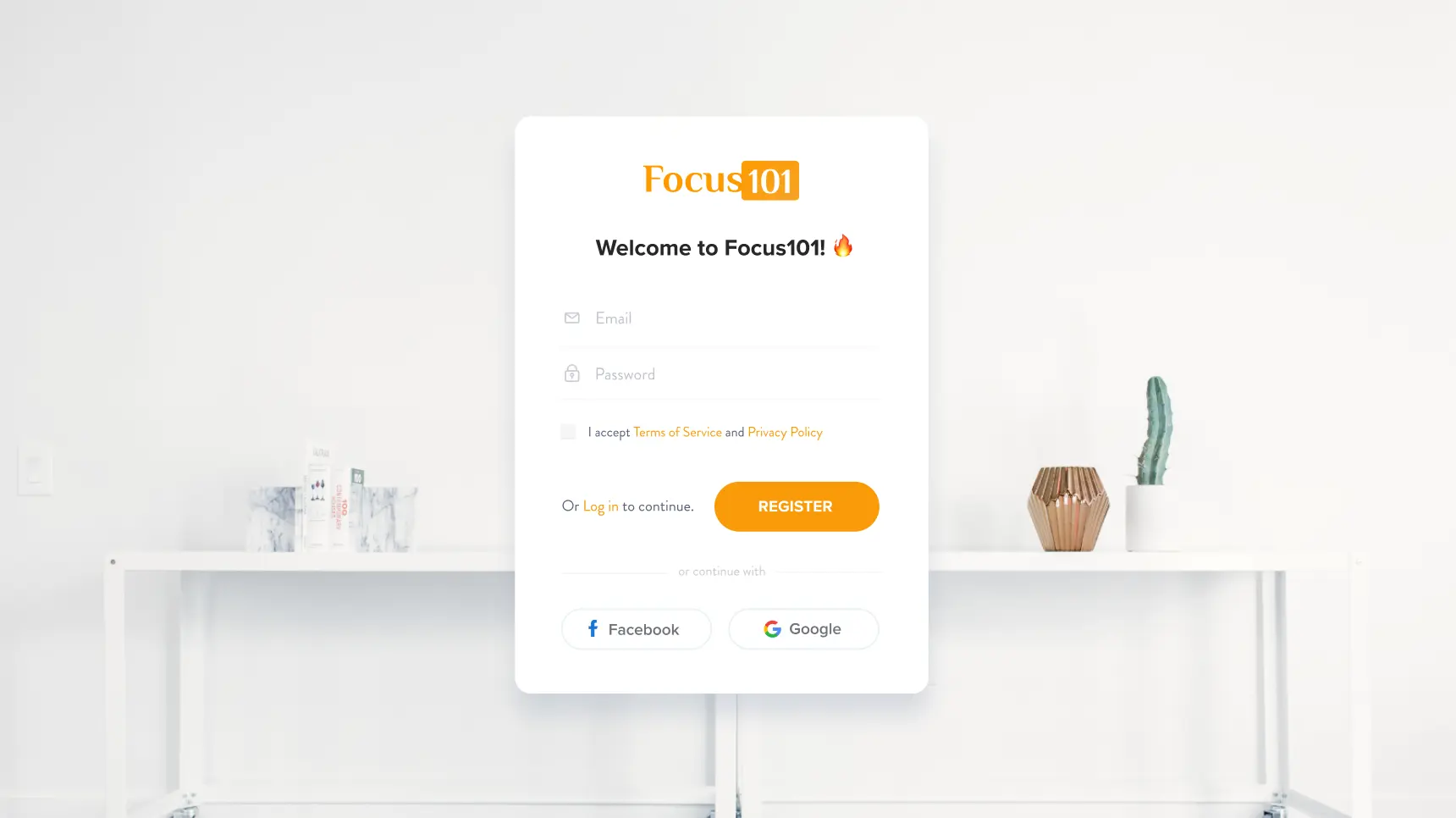
Simply click "Register" and create a free account, or log in with Google or Facebook.
Get an account
Simply click "Register" and create a free account, or log in with Google or Facebook.
2
Complete your profile by adding your name and a pic of yourself 🤳
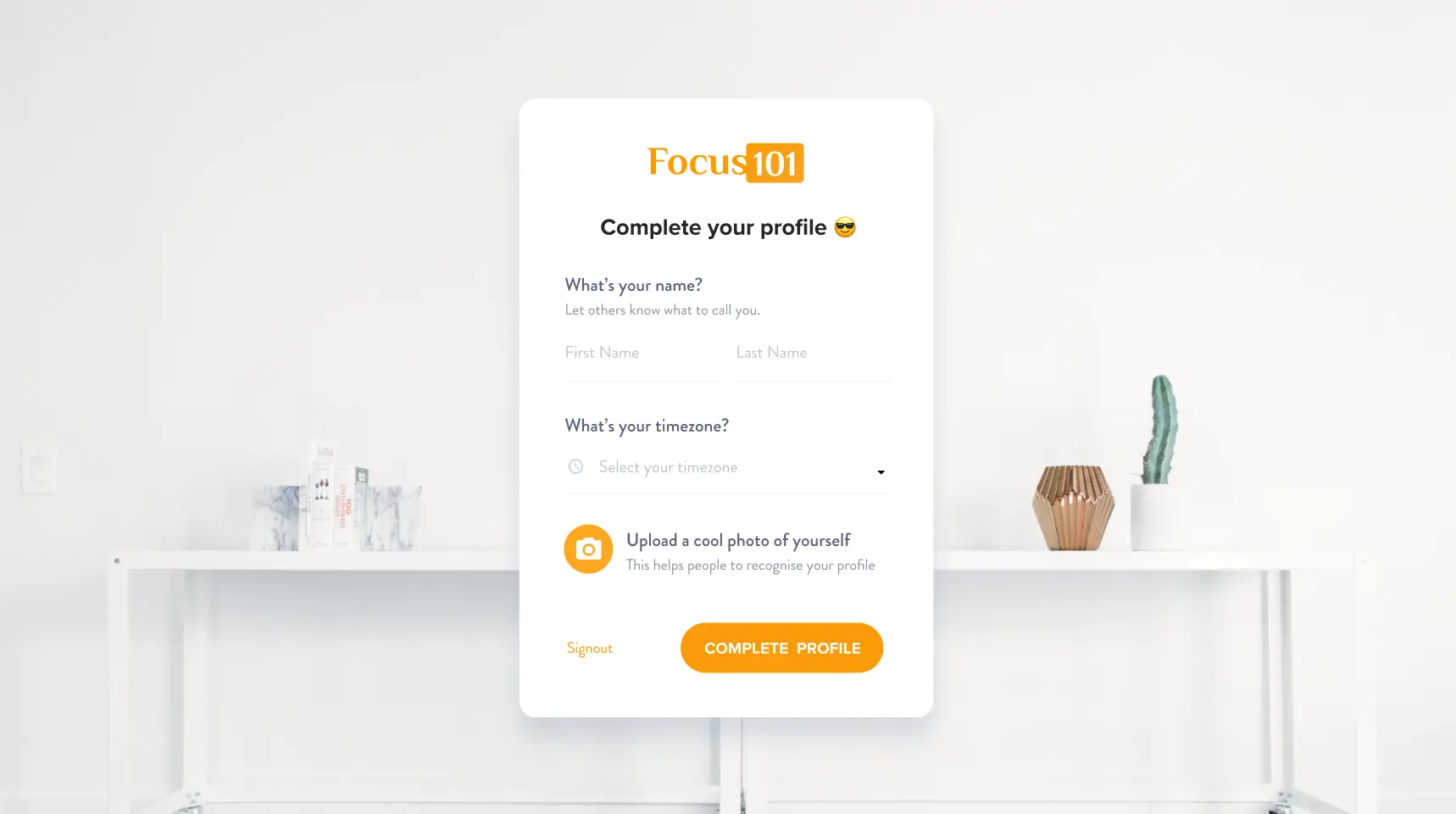
To prove that you're a real person, add your name and a photo of yourself. This way, people will know who you are before the meeting.
Complete your profile by adding your name and a pic of yourself 🤳
To prove that you're a real person, add your name and a photo of yourself. This way, people will know who you are before the meeting.
3
Book a session 📅
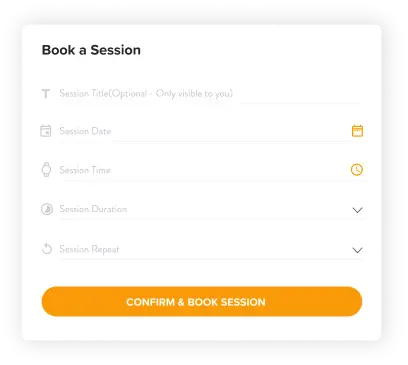
Schedule a session in your calendar. The work session becomes public, so anyone can join.
Book a session 📅
Schedule a session in your calendar. The work session becomes public, so anyone can join.
4
Show up and meet your work buddy 👋
Enter the session and get to know your accountability partner before you start working.
Show up and meet your work buddy 👋
Enter the session and get to know your accountability partner before you start working.
5
Share your primary task for the session
Tell each other what task you're planning to focus on in the session.
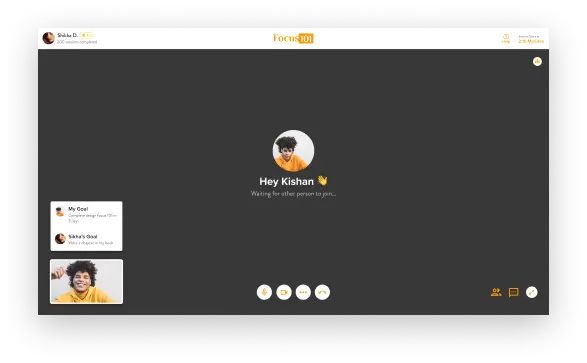
Share your primary task for the session
Tell each other what task you're planning to focus on in the session.
6
Start working with your camera on
Using this method, you will remain distraction-free while working on your task. You just promised your work buddy that you would work in that session and not browse social media.
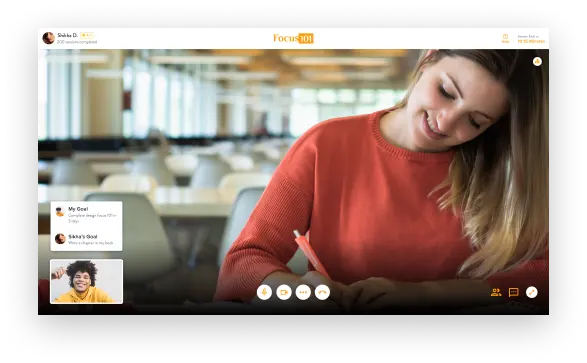
Start working with your camera on
Using this method, you will remain distraction-free while working on your task. You just promised your work buddy that you would work in that session and not browse social media.
7
After your session 🥳
After your session 🥳
🕧 In love with the Pomodoro technique?
Focus 101 has this feature too, so you don't need another app. Just enter your task and get started.
🔉 Work better with background sounds?
Use our white sound playlist, where we have curated a list of white sounds.